STAGE 2 OF 5 — VISUAL SYSTEM: BRAND & DESIGN
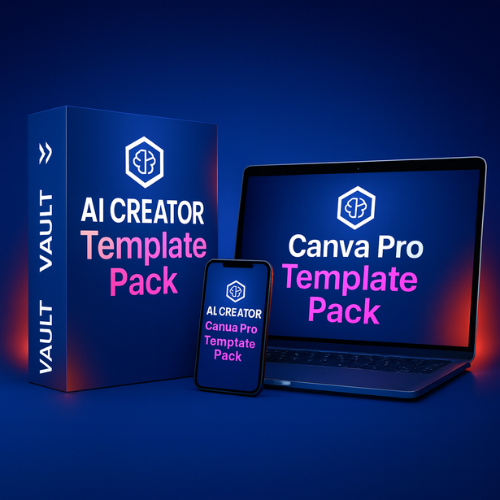
AI CREATOR VAULT™ – From Ideas to Automated Profit
Canva Pro Template Pack
Brand Fast. Look Professional Instantly.
You don’t need to be a designer to look like a professional brand. This toolkit helps creators and small business owners build a visual identity in just hours — without hiring a designer or learning Photoshop.
OTO1 – Stage 2 of the AI Creator Vault™ System
Unlock the Canva Pro Template Pack (37 USD)Only available once after purchasing FE. Not accessible anywhere else.

You already have the strategy. This upgrade gives you the visuals to match it.
Inside Look – Preview Pages from the Template Pack
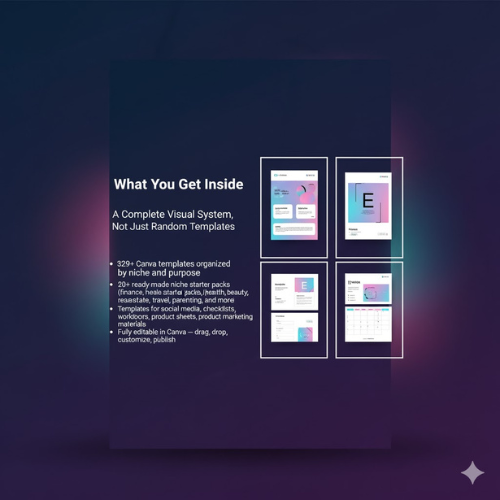
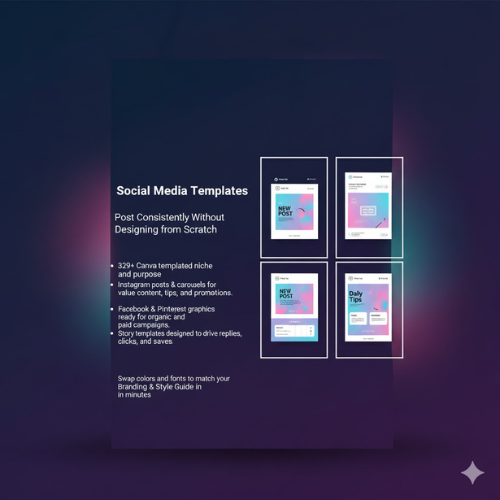
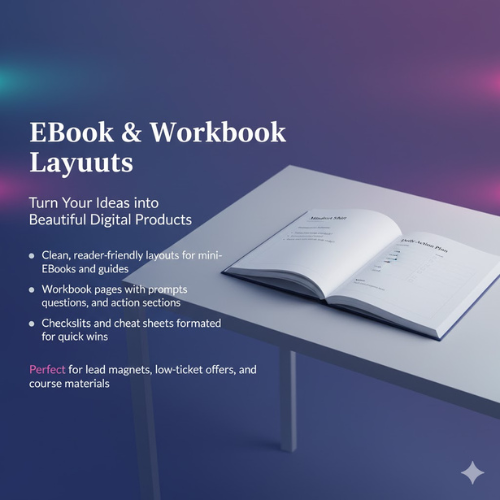
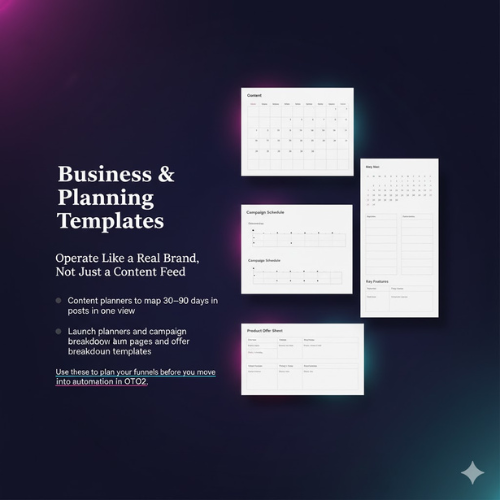
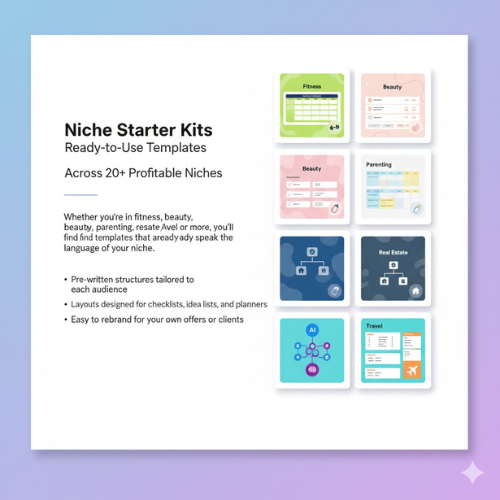
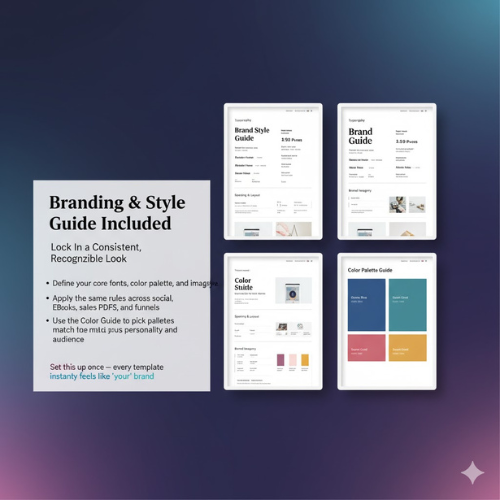
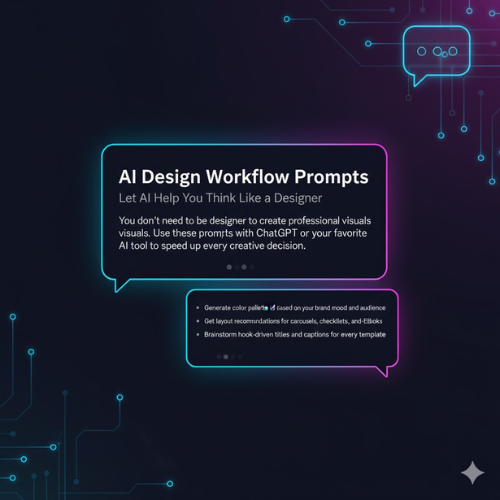
These are real pages from the Canva Pro Template Pack – every layout is fully editable and ready to plug into your brand system.
Why Your Brand Still Doesn’t Look “Industry-Ready” Even When Your Strategy Is On Point
After FE, you know who you're serving, what you're saying, and how your content system works. But when you start building real assets — eBooks, workbooks, lead magnets, social posts — everything slows down.
You know exactly what you want to say, yet you don’t have a visual system that reflects the quality of your ideas.
- Each post ends up using different fonts, layouts, and color combinations.
- Your eBook and workbook look mismatched, like they were created at different times.
- You hesitate to run ads because the visuals don’t feel “good enough.”
This is not a content problem. It’s a system problem. You don’t need more ideas — you need a ready-built visual framework.
The Market Doesn’t Choose the Most Knowledgeable Creator. It Chooses the Most Professional-Looking One.
If you continue designing from scratch, you’ll keep:
- Wasting hours every week tweaking layouts and experimenting with colors.
- Feeling unsure whether your visuals actually elevate your brand.
- Struggling to maintain consistency across platforms and product types.
When AI makes content creation fast for everyone, design becomes your competitive edge.
A strong brand is not only heard. It must be seen — clearly, confidently, consistently.
This Is the Moment You Shift From “Posting Randomly” to “Building a Real Brand System”
Without a visual system, your brand will always be limited by inconsistent design — no matter how good your content is.
OTO1 eliminates that bottleneck and puts you on a new track:
- Your brand finally looks professional and trustworthy.
- You publish 10x faster because design is no longer a barrier.
- Your eBooks, workbooks, and posts all share one unified visual language.
- You’re fully prepared for asset creation and automation in OTO2.
Hiring a designer for eBook, social kit, and marketing materials easily costs 50–150 USD per project. OTO1 gives you 329+ templates worth 279–308 USD in total.
Today’s upgrade price: 37 USD.
If you’re serious about your brand, this is the upgrade you cannot skip.
With vs Without the Canva Pro Template Pack
| Without OTO1 | With Canva Pro Template Pack |
|---|---|
| Designing every single asset from scratch in Canva. | 329+ ready-made templates — plug in text, export, publish. |
| Inconsistent fonts, colors, and layouts across your brand. | One unified visual language across posts, eBooks, and workbooks. |
| Feeling embarrassed to send people to your lead magnets or PDFs. | Confidently sharing assets that look “agency-grade”. |
| Spending 3–5 hours on a single eBook or workbook layout. | Completing full assets in under an hour using prepared layouts. |
| Hesitating to launch offers because the visuals are “not ready”. | Moving quickly from idea → asset → funnel → automation (FE → OTO2 → OTO3). |
What Happens If You Skip This Visual Upgrade?
- Your FE clarity never fully shows up in your visuals — people “feel” something is missing.
- Your lead magnets and digital products in OTO2 will look generic instead of premium.
- Your funnels and emails in OTO3 will convert less because the brand doesn’t look trustworthy.
- You will keep rebuilding designs from scratch every time you launch something new.
You already did the hardest work — thinking. Do not lose leverage because your visuals stayed at “beginner level”.
What You Get Inside the Canva Pro Template Pack
329+ Canva Templates Across 20+ Niches
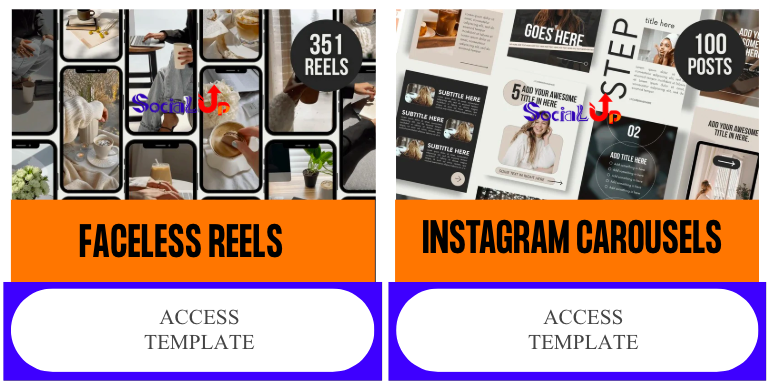

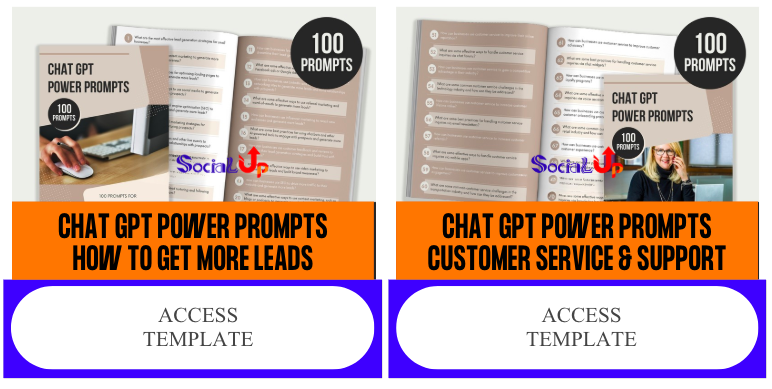


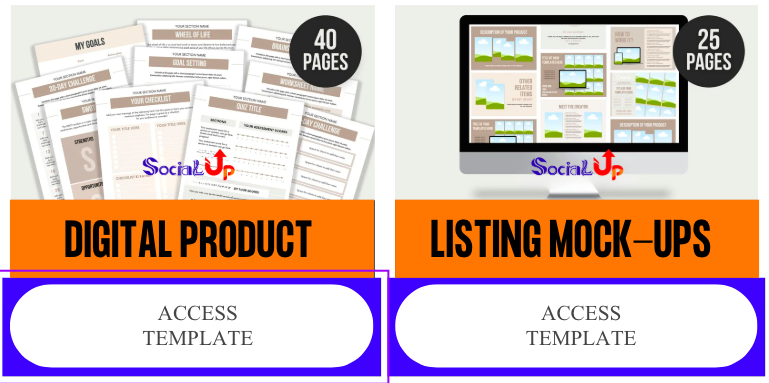
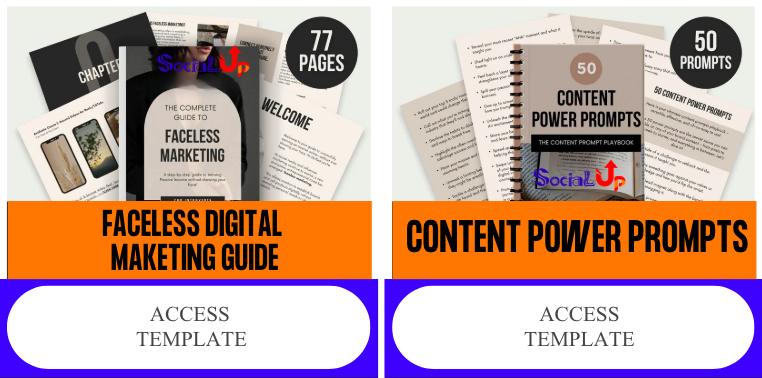
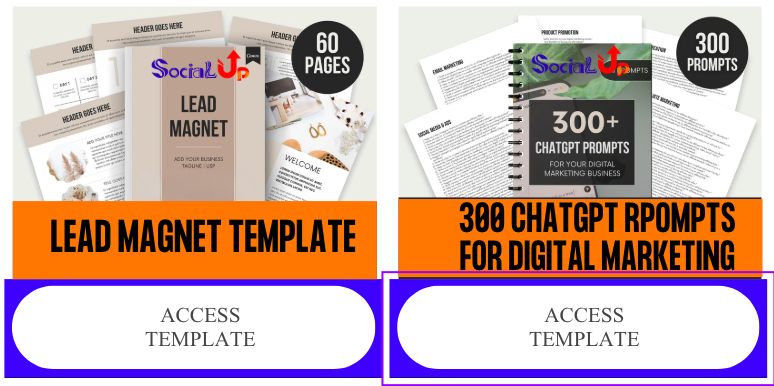

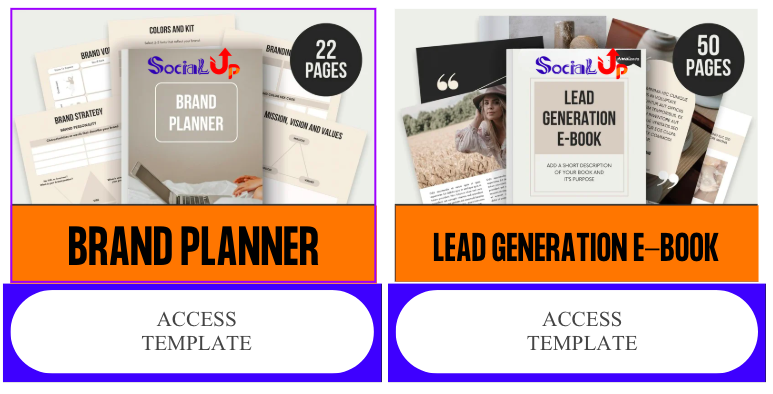
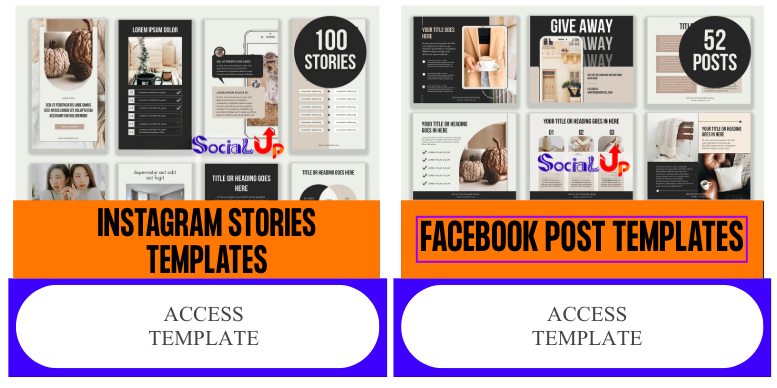

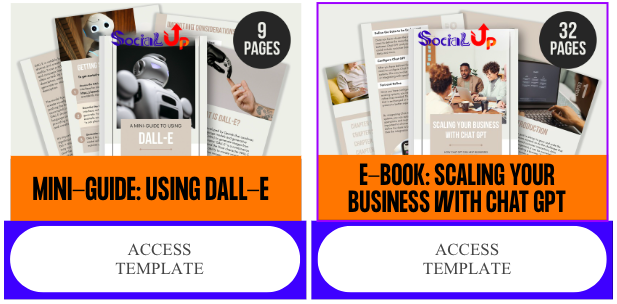
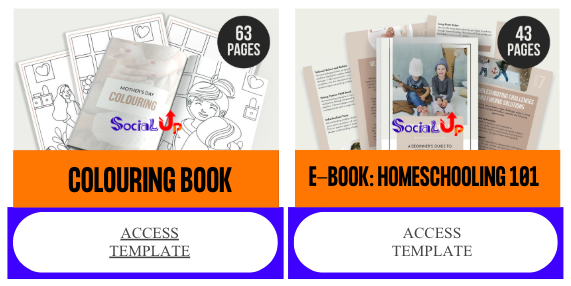
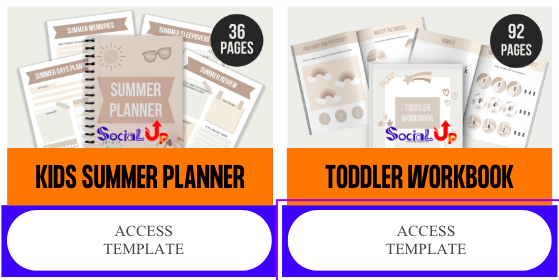

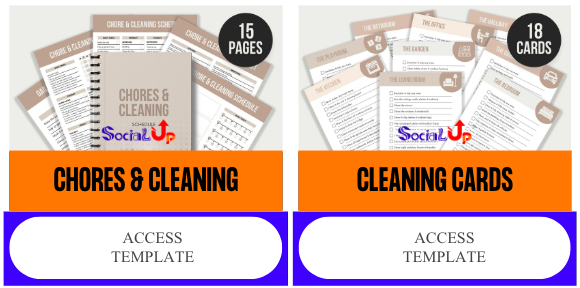
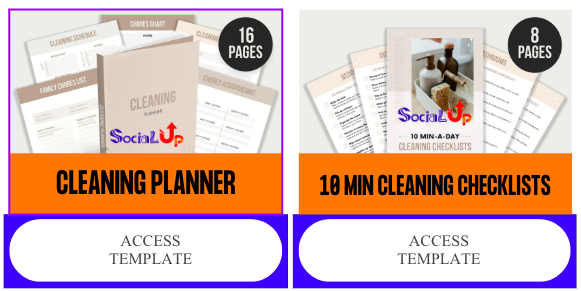

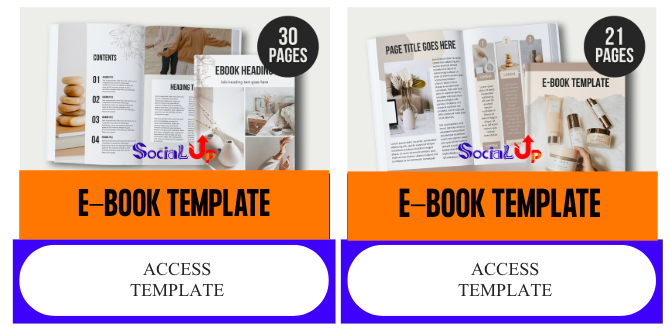
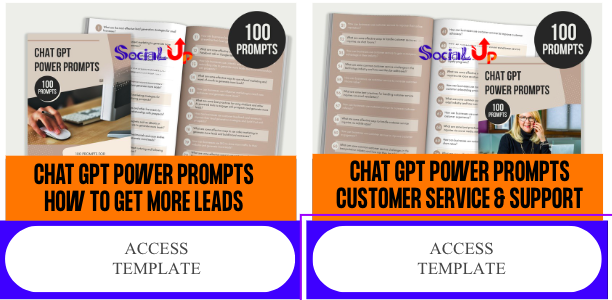
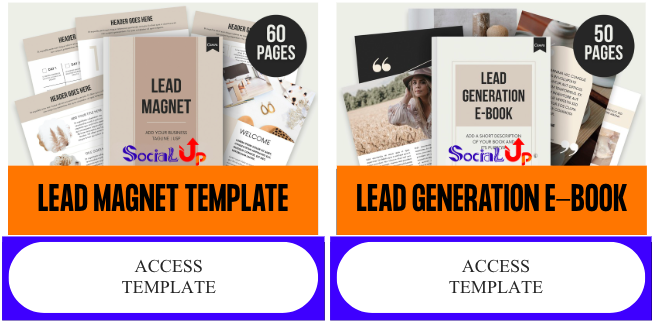
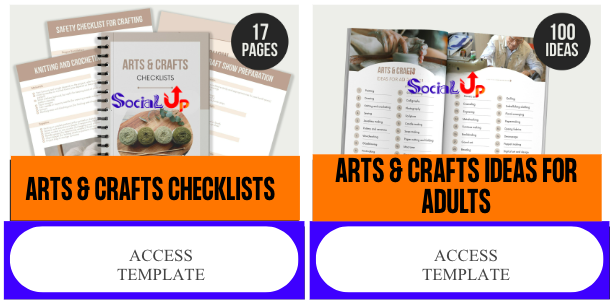

These thumbnails are real previews from the 329+ Canva templates included inside OTO1. Each template pack contains multiple pages, layouts and variations ready to customize.
Each PDF links to a dedicated Canva folder, organized by niche and content type so you always know exactly where to start.
- Social Media: Instagram posts, carousels, stories, Facebook posts, Pinterest posts.
- Digital Products: eBook covers, mini eBooks, lead magnets, workbooks.
- Marketing Materials: promotional sheets, product sheets, sales PDFs.
- Business Tools: content planners, brand planners, product idea sheets.
- Niche Packs: finance, productivity, health, fitness, parenting, pets, wedding, travel, cosmetics, real estate, small business, AI, crafts, home decor, Montessori, pregnancy, product descriptions and more.
START_HERE Guide
Your onboarding roadmap — how to use each template pack, align visuals with FE, and turn everything into assets fast.
Canva Template Access Guide
Step-by-step instructions for accessing, duplicating, and managing all your templates even if you're brand new to Canva.
AI Prompt Pack for Design Workflow
Prompts to assist with layout ideas, brand colors, visual storytelling, and creative planning.
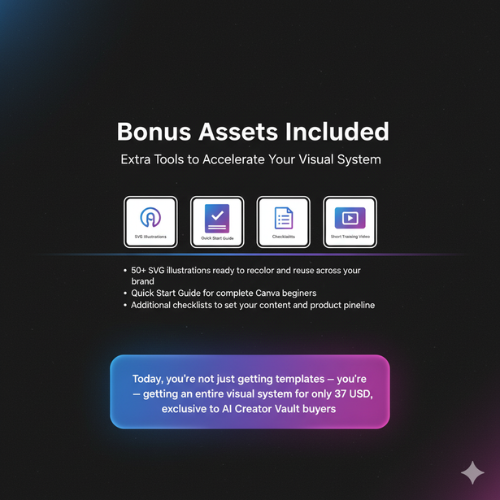
Exclusive Bonuses Included with OTO1
Branding & Style Guide (Editable)
Define your brand’s core look — fonts, colors, imagery rules, tone and visual structure — so every template follows your identity automatically.
Quick Start Guide for Canva Beginners
A simple, beginner-friendly walkthrough so you can confidently edit templates within minutes.
AI Prompt Pack for Design Workflow
A curated set of prompts that help you brainstorm layouts, enhance visuals, and streamline your creative process.
50+ SVG Illustration Pack
A beautifully designed SVG collection perfect for social posts, eBooks, workbooks, landing pages, and more.
Canva Pro Template Pack
329+ fully-designed templates — just plug in your content and publish.
That’s how you turn ideas into automated profit.
A Complete Visual System Valued at Over 279 USD — Yours for 37 USD Today
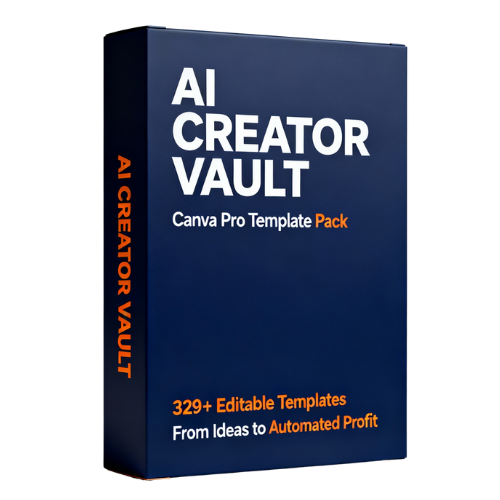
Value Breakdown
329+ Canva Template Library: 97 USD
START_HERE Guide: 19 USD
Template Access Guide: 19 USD
Branding & Style Guide: 49 USD
AI Design Workflow Prompts: 29 USD
Color Strategy Guide: 27 USD
SVG Illustration Pack: 39 USD
Total Real Value: > 279 USD
37 USD
Frequently Asked Questions About OTO1
Q1: Do I need Canva Pro to use these templates?
Most templates work with the free version of Canva, but having Canva Pro unlocks full flexibility for brand kits, resizing, and advanced exporting. If you are serious about long-term content and products, Canva Pro is strongly recommended.
Q2: I am not a designer. Will I be able to customize these templates?
Yes. Every template is built for non-designers. You simply change text, replace images if needed, adjust colors, and export. The layout logic is already done for you.
Q3: Are these templates only for one niche?
No. The pack covers 20+ popular niches and can be adapted to almost any audience by changing text, colors, and imagery. The structure is universal; the styling is flexible.
Q4: Can I use these templates for my paid products and client work?
Yes, you can use them in your own business and for client projects as part of your service. However, you may not resell or redistribute the raw templates as-is unless you upgrade to the appropriate license in OTO4.
Q5: What if I already have some templates from other marketplaces?
That’s great — but most template packs are random collections. This pack is built to match the AI Creator Vault™ system: FE → OTO1 → OTO2 → OTO3. It gives you a coherent visual language that connects content, lead magnets, and funnels.
Mentor Close – The Visual Proof of Your Strategy
FE proved that you can think like a system builder.
OTO1 proves that your system deserves to be seen.
You can keep telling yourself “content is what matters most” — but deep down you know: people judge with their eyes before they commit with their wallets.
This is not about perfection. It is about looking aligned with the level you aim to play at.
Make Your Brand Look as Strong as Your Ideas
Upgrade to OTO1 – Canva Pro Template Pack (37 USD)You already decided to think like a builder. Now decide to look like one.
Your Visual Identity Is Now Locked In. Next: Turn It Into Lead-Generating Digital Assets.
With strategy (FE) and visuals (OTO1) in place, your next stage is asset creation — converting your templates into lead magnets, mini eBooks, workbooks, and digital products that collect leads and generate sales.
That’s exactly what OTO2 — Lead Magnet + Workbook PLR Bundle — is designed for. It helps you turn your visuals and strategy into real, monetizable digital assets.
After upgrading OTO1, explore OTO2 to activate your automated lead and revenue engine.